
Installing IPTV on Apple TV is a simple process that requires an IPTV-compatible app and an active IPTV subscription. First, open the App Store on your Apple TV and download a trusted IPTV player such as IPTV Smarters or a similar Apple TV–supported application. Once installed, launch the app and log in using the credentials provided by your IPTV service (Xtream Codes, M3U URL, or API login). After authentication, the app will sync channels and content automatically, allowing you to start streaming live TV, sports, and on-demand content on your Apple TV.
Apple now allows IPTV Streaming through the Smarters Player Lite application, found in the Apple App Store.
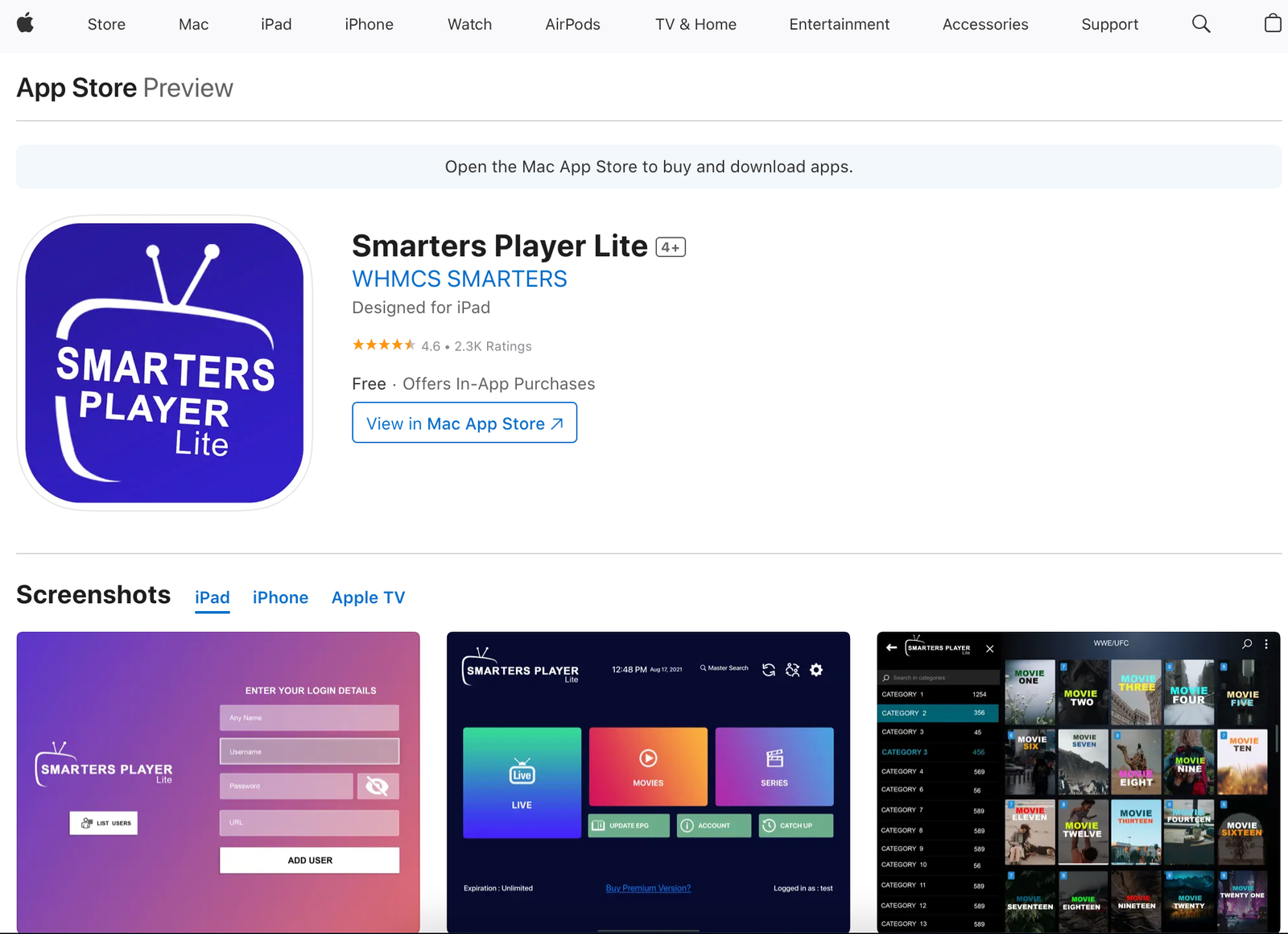
1. Download the Smarters Player Lite to your Apple Device.
2. Choose Xtream Codes and insert the login details provided by us.
3. Click Add User and enjoy!