
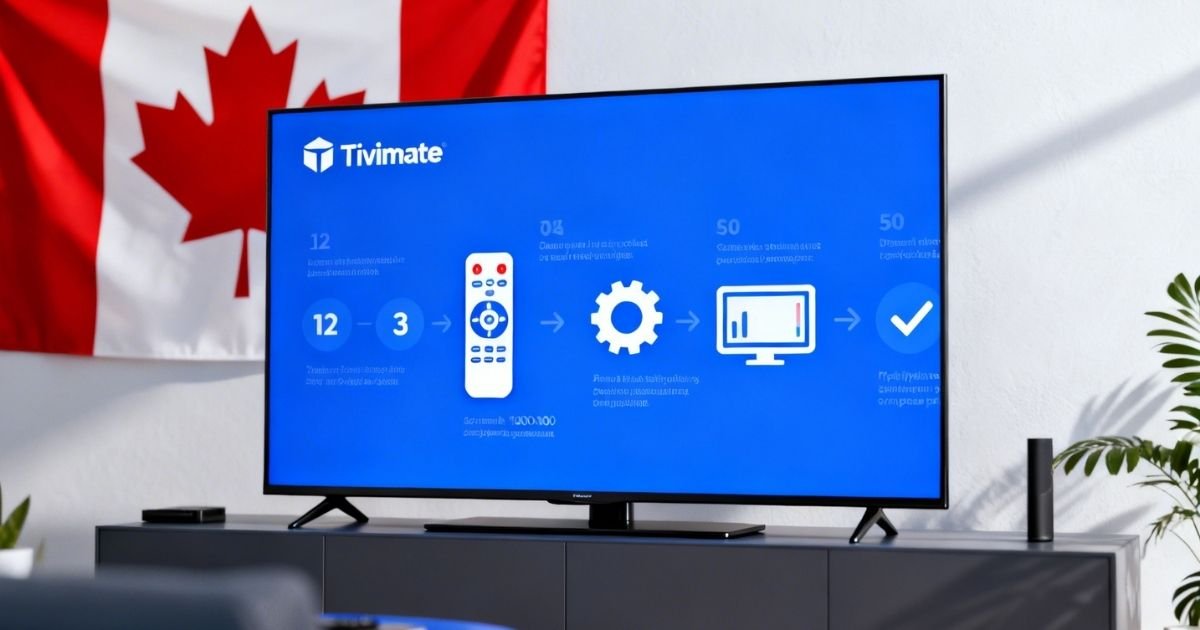
This guide to TiviMate as an IPTV player in Canada is your ticket if you are a cord-cutter and want to know the best IPTV player in Canada. TiviMate is a highly rated Android TV and Firestick IPTV player that provides you with a cable-like experience at no charge.
You will also learn how to install, configure, and optimize TiviMate within a few minutes, even if you are a total novice.
What is TiviMate and Why Canadians Love It
TiviMate is one of the most popular IPTV players that runs on Android-based devices. It was developed by Alex Peev and was created specifically for large screen TVs.
The reason Canadians love it is that it looks and feels like a Bell or Rogers cable box. It has quick channel zapping, a clean Electronic Program Guide (EPG), and 4K HDR streams.
Key Features of TiviMate:
- Fast channel switching with no delays
- Multi-view, watch up to 4 channels at the same time
- Catch-up TV, scroll back and watch missed shows
- Recording, save and record your favourites
- EPG support, see what is on now and what is coming next
- Custom groups, organize your channels into Sports, News, Movies, and more
What You Need Before Starting the TiviMate Canada Setup
Before you begin, make sure you have the following ready:
| Requirement | Details |
| Device | Android TV, Firestick, NVIDIA Shield, Fire TV Cube |
| Android Version | Android 5.0 or higher |
| IPTV Subscription | M3U URL or Xtream Codes login |
| Internet Speed | Min. 10 Mbps for HD, 25 Mbps for 4K |
| TiviMate App | Free or Premium version |
How to Install TiviMate in Canada
On Android TV or Google TV
Open the Google Play Store on your device, search for TiviMate IPTV Player, click Install and wait 2 to 3 minutes. The app will install automatically, then open it.
On Amazon Firestick
Install the Downloader app using code 272483, then use it to load TiviMate with the official APK. Enable Unknown Sources in your Firestick settings, then install and open TiviMate.
Tip: Only download TiviMate from reliable sources to avoid fake or malicious apps.
Step-By-Step TiviMate Setup Guide for Canada
Once TiviMate is installed, follow these steps to add your IPTV subscription.
Step 1: Open TiviMate and Add a Playlist
Open TiviMate on your device, select Add Playlist on the welcome screen, then choose M3U URL, M3U File, or Xtream Codes.
Step 2: Enter Your IPTV Credentials
If using M3U URL, paste your IPTV provider’s M3U playlist link, give it a name such as My Canada IPTV, tap Add, and wait 30 to 60 seconds.
If using Xtream Codes, enter your Server URL, Username, and Password. These are provided by your IPTV service after subscribing. Tap Next to load your channels.
Step 3: Set Up Your EPG (TV Guide)
Go to Settings, then TV Guide, then EPG Sources, and add a new source. Paste the EPG URL from your IPTV service, click Save, and let TiviMate sync the guide data. You will now see live program information next to each channel.
Step 4: Organize Your Channels
Add your most-watched channels like CBC, CTV, TSN, and Sportsnet to favourites. Create custom categories such as Sports, Movies, Kids, and News. Hide channels you never watch to keep things clean.
Best TiviMate Settings for Canadian Users
These settings will improve your overall streaming experience:
| Setting | Recommended Value | Why |
| Buffer Size | Large | Prevents freezing on unstable WiFi |
| Auto Frame Rate | Enabled | Smoother movie playback |
| Decoder | Hardware (if supported) | Better 4K performance |
| EPG Days | 7 Days | Full weekly guide visibility |
To change buffer size, go to Settings, then Playback, then Buffer Size, and set it to Large. This adds a 2 to 3 second delay but removes buffering during peak hours like 7 to 10 PM.
Top IPTV Providers for TiviMate in Canada (2026)
Your TiviMate experience depends heavily on your IPTV provider. Here are the most trusted services used by Canadian users:
| Provider | Channels | Price/Month | TiviMate Compatible |
| WatchingIPTV.com | 20,000+ | Affordable | ✅ Yes |
| IPTVMode.ca | 25,000+ | $15 to $20 | ✅ Yes |
| Vizo IPTV | 20,000+ | ~$15 | ✅ Yes |
WatchingIPTV.com is strongly recommended for Canadian users. It has stable servers, a solid Canadian channel lineup including CBC, CTV, TSN, Sportsnet, and RDS, and full support for both Xtream Codes and M3U, making the TiviMate Canada setup very straightforward.
Troubleshooting Common TiviMate Problems
Channels not loading? Double-check your M3U URL or Xtream Codes login for any typos, and get fresh credentials from your provider if needed.
Buffering or freezing? Switch from WiFi to Ethernet if possible. If not, increase the buffer size in Playback settings and make sure you are connected to a 5 GHz WiFi network.
EPG not showing? Re-add your EPG URL in Settings, then go to TV Guide and hit Refresh to reload the guide data.
Get Started with the Best IPTV in Canada
If you are tired of paying too much for cable and want something that actually works, WatchingIPTV has you covered.
Browse our pricing plans and pick what suits your budget. Want to know more before deciding? Our Best IPTV Canada 2026 page has everything you need. Still have questions? Simply contact our team and we will help you out.
Frequently Asked Questions
Q: Is TiviMate free in Canada? TiviMate does have a free version. The Premium version, which costs around $35 per year, unlocks recording, multi-view, and catch-up features.
Q: Is TiviMate available on iPhone or iPad? No. TiviMate only works on Android TV, Firestick, and other Android-based devices. iOS users are recommended to try GSE Smart IPTV instead.
Q: What is the best IPTV player in Canada in 2026? TiviMate is widely considered the top IPTV player on Android devices in Canada because of its speed, user interface, and EPG accuracy.
Q: How many channels does TiviMate offer in Canada? That depends on your IPTV provider. The best providers offer 20,000 to 40,000 channels, including all major Canadian networks.
Q: Do I need a VPN with TiviMate in Canada? A VPN is not required but is recommended to avoid ISP throttling during peak streaming hours.

No Responses